Payout guide
Claim your USDC payout
Once your payout is approved and funded, sign in to Tutti and open the claim link from that payout's details on your Earnings page. Choose one of the three options below.
Before you claim#
- Claim links appear only on your Earnings page, after you sign in. Tutti never sends a claim link by email or in a notification — if a claim link reaches you any other way, don't open it.
- Tutti sends USDC on Arbitrum. For your own wallet, confirm it supports USDC on Arbitrum and check the receiving address before confirming.
- Claim within 14 days. Unclaimed funds return automatically; after the refund is processed, your rewards become available to request again.
- You pay no gas fee to claim.
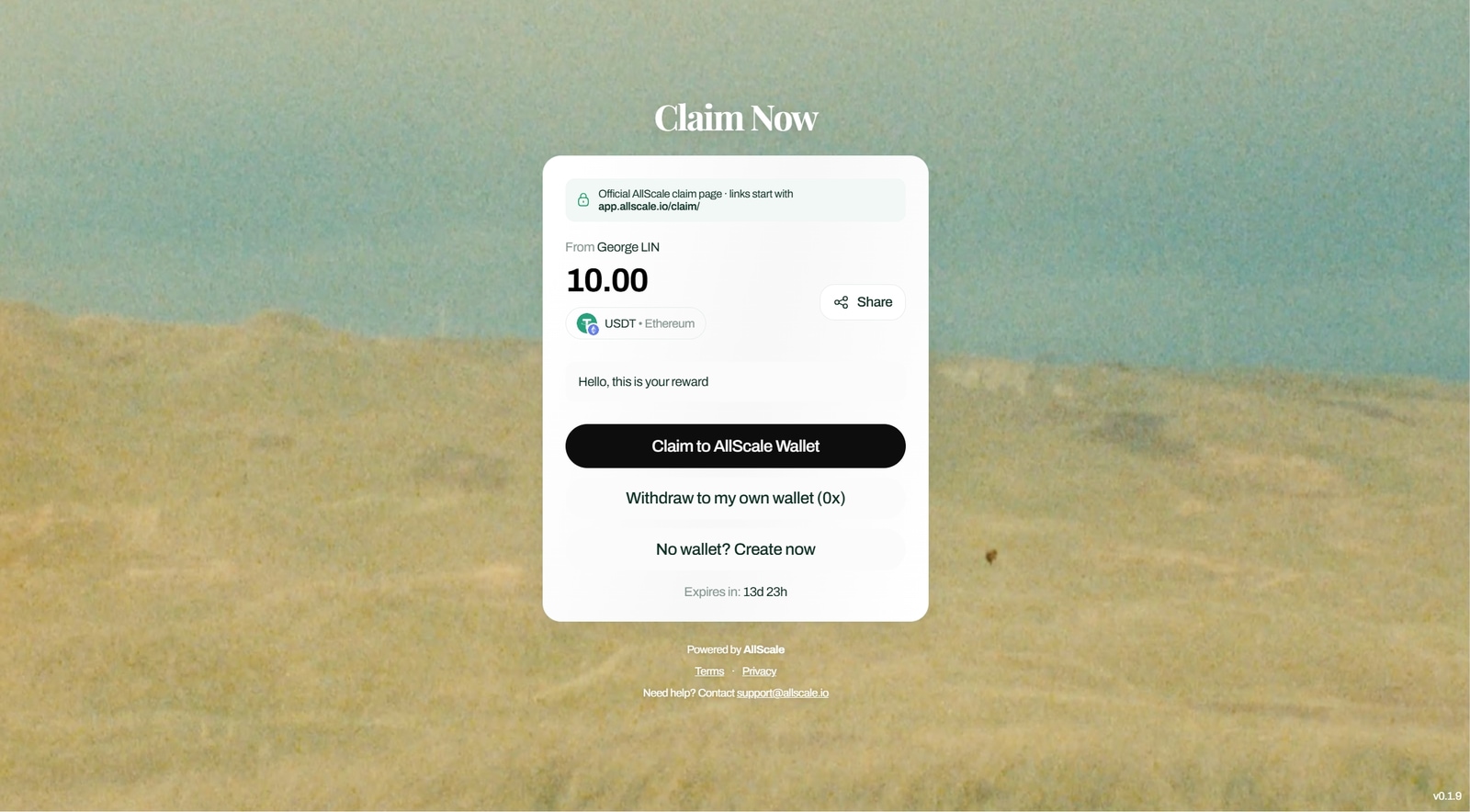
Use your AllScale account#
Choose “Claim to AllScale Wallet” and sign in. Follow the on-screen steps to receive the payout in your AllScale balance.
Use your own wallet#
Choose “Withdraw to my own wallet (0x)”. Paste your Arbitrum receiving address, check it carefully, then confirm on AllScale. You do not need to enter a wallet address in Tutti.
Create a wallet with email#
Choose “No wallet? Create now”. Verify your email with the code AllScale sends, then follow the steps to create a wallet and receive the payout.